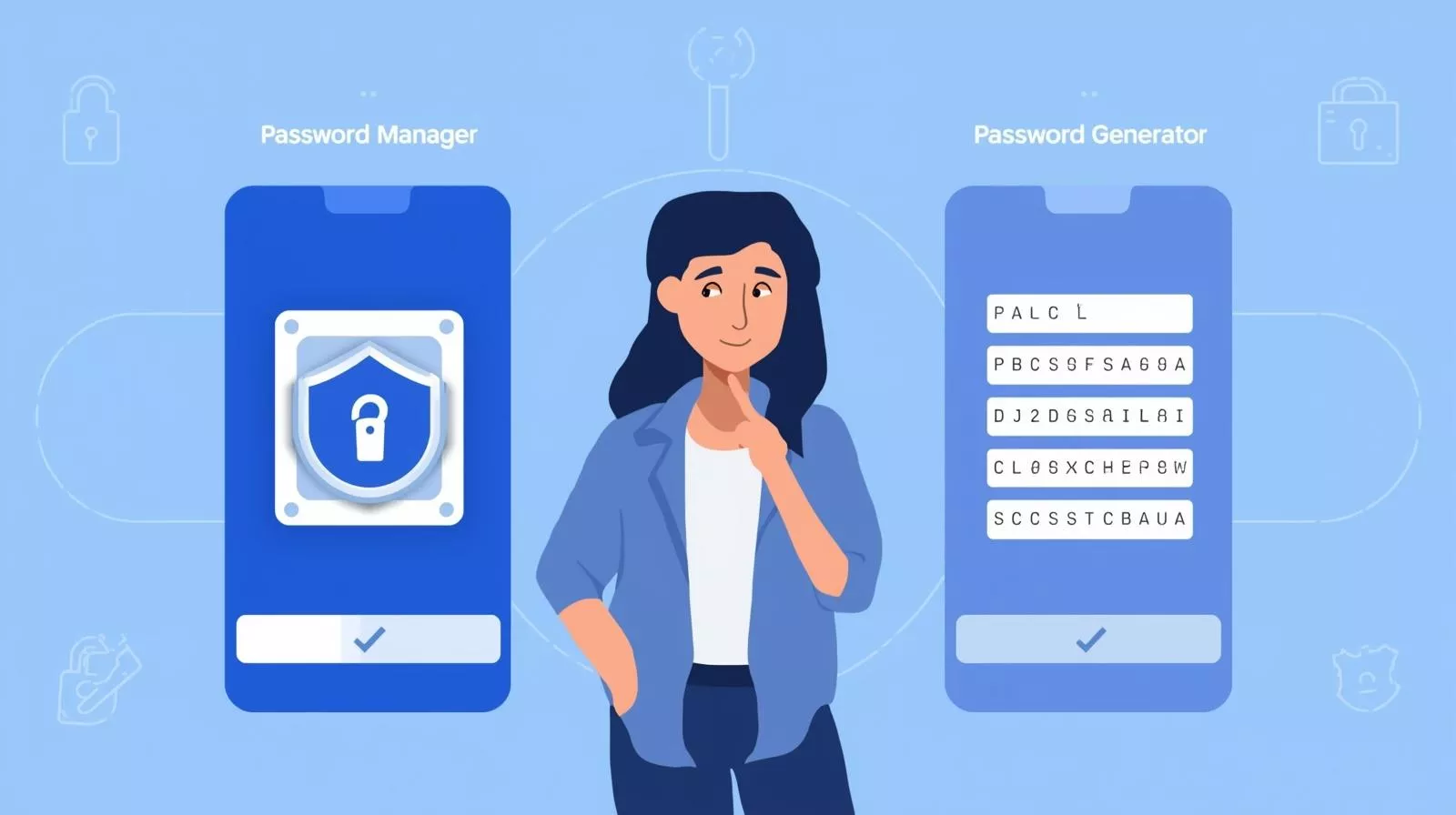
In a digital security era, every website, application, and service needs an account. Many people fall into the habit of repeating weak or predictable passwords with dozens of login credentials to remember. That’s where utilities like password managers vs random password generators come into play.
Which one, though, should you use? Do you really need both? This tutorial clarifies the difference in simple language, discusses the benefits and drawbacks of each, and assists you in determining the safest method of password storage.
What Is A Random Password Generator?
Instantly generating strong, unpredictable passwords is the function of a random password generator. With these tools, you may usually change the length, include numbers, symbols, and mix upper- and lowercase letters.
For instance:
- d7$KwR!92uX
- Using “John123” or “Password2025” falls far short of this.
Advantages of Random Password Generators
- Stronger security: Automatically created passwords are nearly impossible to guess.
- Customizable: You can create rules (e.g., 16 characters with symbols).
- Many can be found online for free and are accessible.
Restriction:
- Difficult to recall: You can’t truly learn tens of random strings by heart.
- You will still need a means to store these passwords securely.
A passphrase generator integrates random words into a longer, simple-to-remember password (e.g., PurpleDog-Running-Sky88) if you want unforgettable yet secure options.
What is A Password Manager?
Software that password truly secure keeps all of your logins in one location is called a password manager. You just need to recall one master password instead of 100 different ones.
Crucial Password Manager Features
- Auto-fill: Reduce time logging in on different websites.
- Access your logins from phone, laptop, or tablet: synchronize device.
- Stores passwords in encrypted form.
- Many administrators have integrated internal random password generators.
Key Differences Of Password Managers vs Random Password Generators
| Feature | Random Password Generator | Password Manager |
|---|---|---|
| Purpose | Creates strong passwords | Stores, manages, and autofills passwords |
| Usability | One-time tool, manual use | Long-term storage and automation |
| Memory needed? | Yes, unless stored | No, just one master password |
| Security level | Strong passwords are risky if not stored properly | High security with encryption |
| Best for | Quick password creation | Full password management |
Top 5 Best Password Managers to Choose in 2025
Choosing a good password manager will help you keep your accounts safe and easy to use. Here are the best choices:
- 1Password is g reat security, easy to share, and a user-friendly interface.
- Dashlane is known for having robust encryption and a built-in VPN.
- Bitwarden is free, open-source, and very safe.
- LastPass is easy to set up and works on several devices.
- NordPass has a zero-knowledge architecture and rapid autofill.
These tools are great for both people and enterprises since they have features like safe password storage, autofill, cross-device sync, and notifications for security breaches.
What Should You Choose?
- You really don’t need to pick between them; they actually work best together.
- Generate strong, unique logins using a random password generator.
- Save them in a password manager so you can avoid having to remember them.
- You get the most comfort and security with this mix.
Some Popular Myths
Certainly, writing passwords on paper or in simple text files invites theft or loss. Your data is encrypted by a password manager, which almost rules out access for hackers without your master password.
Although no instrument is entirely hack-proof, good password managers employ end-to–end encryption. Your saved passwords would stay jumbled and unusable without your master key, even if hackers broke through their servers.
Certainly, although a manager safeguards your information, everything inside is exposed if your master password is insufficient. Always use a safe master password, preferably one generated using a passphrase password generator.
For beginners, begin with a password manager; it solves both developing strong passwords and keeping them safe at once. Once you feel at ease, use its internal random password generator for greater security.
Best Practices For Good Password Security
- Every account should have a distinct password.
- Use two-factor authentication (2FA) wherever practical.
- Refresh weak or reused old passwords.
- Save passwords securely using a manager rather than writing them down.
- Save your vault often in the event of equipment failure.
Final Considerations
The solution to the question of password managers vs random password generators is both, not one or the other. Moreover, password generators help you produce secure, uncrackable passwords.
On the other hand, password managers assist you in securely storing passwords and using them without panic.
For new users, start with a password manager with an integrated generator. For beginners, start with a password manager that includes a built-in generator. That way, you get the best of both worlds: convenience and top-notch security. Get more professional advice, Create Random Password is available to assist your requirements!
Frequently Asked Questions
For security reasons, most password managers cannot restore it for you. Some provide backup solutions or recovery keys, but losing the master password could mean losing access.
Yes, but pick trusted choices like Bitwarden. Though still secure, free tools frequently lack premium capabilities like dark web surveillance.
Although it’s impractical, you can. You will probably forget your passwords unless you save them using a safe system.
Yes, for your master password. Long, memorable phrases (e.g., CoffeeRunsDaily#92) are easier to remember and more powerful than quick, haphazard ones.
Protect your online accounts with strong, random passwords. It’s 100% free, and we never save or share your data.