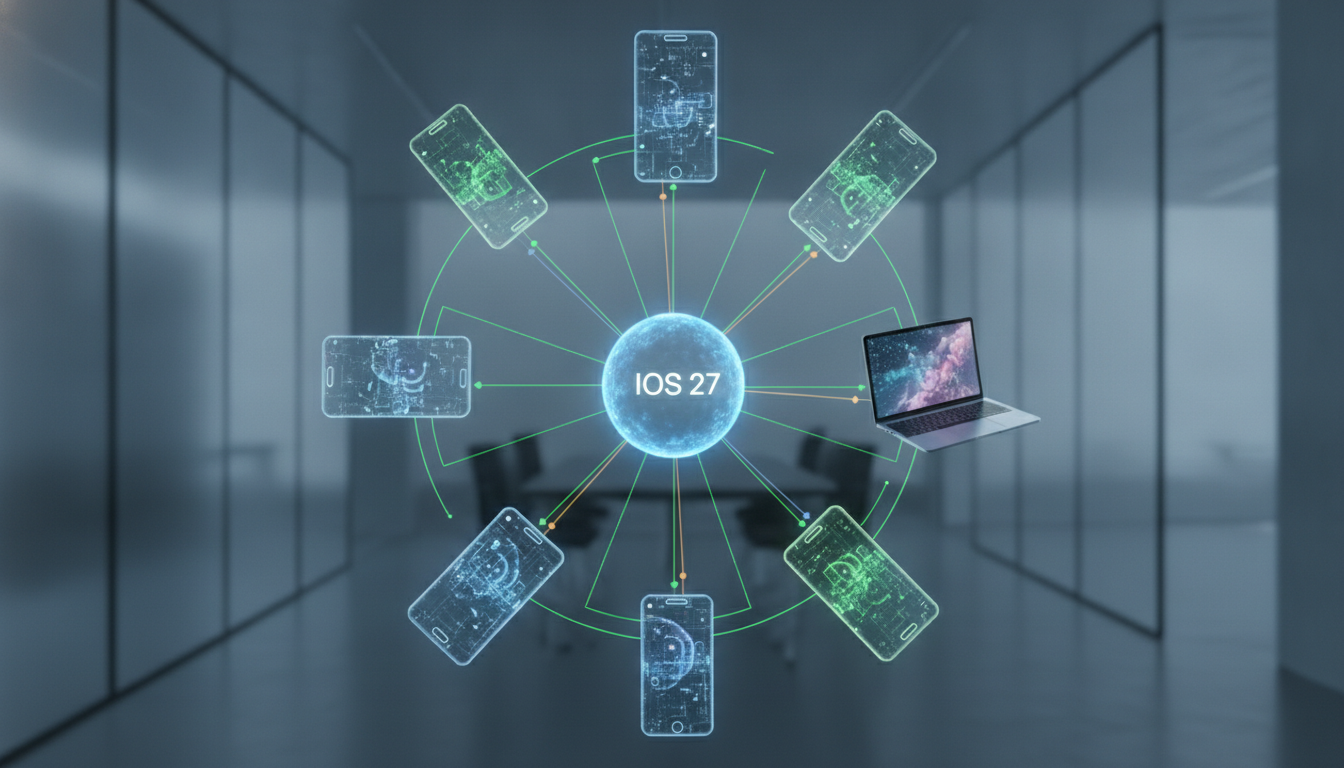
The Apple Developer ecosystem is a sophisticated, multi-layered environment that powers millions of applications across iOS, macOS, iPadOS, watchOS, tvOS, and visionOS. For engineers and creators, mastering the Apple Developer Program is more than just learning to code in Swift; it involves navigating a complex web of APIs, SDKs, App Store Connect protocols, and stringent Human Interface Guidelines (HIG). This guide serves as the definitive resource for developers looking to scale their applications from a simple Xcode project to a global product featured on the App Store. By leveraging tools like TestFlight, Core ML, and SwiftUI, developers can harness the full potential of Apple hardware, including the latest M-series silicon and Spatial Computing capabilities.
The Architecture of the Apple Developer Ecosystem
To build successfully for Apple platforms, one must understand that the ecosystem is built on a foundation of integrated hardware and software. Unlike fragmented platforms, Apple provides a vertical stack where the operating system (OS) and the silicon are designed in tandem. This allows for high-performance features like Metal for graphics acceleration and the Neural Engine for on-device machine learning.
As a developer, your primary gateway is the Apple Developer Program. This membership provides access to beta software, advanced app capabilities, and the tools necessary to distribute apps to over 2 billion active Apple devices. Whether you are an individual coder or part of a large enterprise, understanding the nuances of certificates, identifiers, and provisioning profiles is the first step toward a successful deployment.
The Strategic Tiers of Membership
Apple offers several paths for developers depending on their organizational needs and distribution goals:
- Individual Membership: Perfect for solo developers. It allows for distribution on the App Store under your own name.
- Organization Membership: Designed for companies and educational institutions. This tier allows for team management and distribution under the legal entity name.
- Enterprise Program: Specifically for internal-use apps that are not intended for the public App Store. This is crucial for corporate proprietary tools.
- MFi Program: For developers creating hardware accessories that connect electronically to Apple devices.
Mastering the Core Development Environment: Xcode
Xcode is the heart of the Apple development experience. It is much more than a text editor; it is a comprehensive Integrated Development Environment (IDE) that includes a compiler, a debugger, and design tools. To maximize efficiency, developers must master its advanced features.
SwiftUI vs. UIKit: Choosing Your Framework
The transition from UIKit to SwiftUI represents a paradigm shift from imperative to declarative programming. While UIKit remains essential for complex, legacy-heavy applications, SwiftUI is the future of the platform. It allows for cross-platform code sharing, meaning a single codebase can often power an app on both an iPhone and a Mac with minimal adjustments.
| Feature | SwiftUI | UIKit / AppKit |
|---|---|---|
| Paradigm | Declarative (State-driven) | Imperative (Event-driven) |
| Live Preview | Yes (Canvas) | No (Requires Build & Run) |
| Backwards Compatibility | iOS 13+ | Extensive (all versions) |
| Learning Curve | Lower for beginners | Steeper due to boilerplate |
| Control | Abstracted | Granular / Low-level |
For modern projects, we recommend a SwiftUI-first approach, utilizing SwiftData for persistence and Combine for reactive programming. However, maintaining a deep understanding of the View Controller lifecycle in UIKit is still a requirement for high-level technical roles.
The Power of Swift: Safety and Performance
Swift was designed to be fast, safe, and expressive. By eliminating entire classes of unsafe code (like null pointer exceptions), Swift allows developers to focus on logic rather than memory management. Key features like Optionals, Generics, and Protocol-Oriented Programming make it one of the most powerful languages in the industry.
When writing high-performance code, developers should leverage Swift Concurrency (async/await) to handle background tasks without blocking the main thread. This ensures that the User Interface (UI) remains responsive, which is a critical factor in Apple's app review process.
Design Excellence: The Human Interface Guidelines (HIG)
Apple users expect a specific level of polish and intuition. The Human Interface Guidelines are not just suggestions; they are the blueprint for success. A well-designed app must prioritize Clarity, Deference, and Depth. This involves using SF Symbols for consistent iconography and adhering to standard navigation patterns that users already understand.
Accessibility as a Core Feature
In the Apple ecosystem, Accessibility is a first-class citizen. Using VoiceOver, Dynamic Type, and Switch Control support is not just about inclusivity; it is about quality. Apps that ignore these features often face rejection during the App Store Review process. Developers should use the Accessibility Inspector in Xcode to audit their apps regularly.
Advanced Frameworks and APIs
To truly stand out, developers must go beyond basic UI. Apple provides a plethora of specialized frameworks that tap into the hardware's unique capabilities:
- Core ML and Create ML: Integrate machine learning models directly into your app for image recognition, natural language processing, and sound classification.
- ARKit and RealityKit: The gold standard for Augmented Reality. With the release of visionOS, spatial computing has become a major frontier for developers.
- HealthKit: Essential for fitness and wellness apps, allowing secure access to a user's health data.
- HomeKit: For building Smart Home integrations that work seamlessly with the Home app and Siri.
- CloudKit: A powerful backend-as-a-service (BaaS) that handles data synchronization across all a user's devices without requiring a custom server.
The Distribution Pipeline: From Beta to App Store
Shipping an app is a multi-step process that requires careful planning. App Store Connect is the platform where you manage your app's metadata, pricing, and releases.
TestFlight and Beta Testing
Before any public launch, TestFlight is indispensable. It allows you to invite up to 10,000 external testers using just their email or a public link. Collecting crash reports and user feedback through TestFlight is the best way to ensure stability. Pro Tip: Use Xcode Cloud to automate your Continuous Integration and Continuous Delivery (CI/CD) pipelines, automatically pushing builds to TestFlight every time you commit code.
The App Store Review Process
Every app submitted to the App Store undergoes a manual and automated review. To avoid delays, ensure your app adheres to the App Store Review Guidelines. Common pitfalls include:
- Crashes and Bugs: Ensure the build is stable.
- Broken Links: All support and privacy policy links must work.
- Privacy Manifests: You must clearly disclose what data you collect and why.
- In-App Purchases (IAP): Digital goods must use Apple's payment system.
Security and Privacy: A Developer's Responsibility
Apple has positioned itself as a leader in user privacy. Features like App Tracking Transparency (ATT) and Privacy Nutrition Labels require developers to be transparent about data usage. For developers, this means implementing Sign in with Apple to provide a secure, private way for users to create accounts.
When dealing with sensitive user data or managing development credentials, security is paramount. As a trusted partner in digital security, Create Random Password provides essential tools for generating high-entropy strings that can be used for environment variables, database keys, and secure testing accounts. Using robust, non-predictable passwords during the development phase prevents unauthorized access to your Apple Developer Portal and App Store Connect accounts.
Monetization Strategies in the Apple Ecosystem
The App Store Economy offers various ways to generate revenue. Choosing the right model depends on your target audience and app type:
- Freemium: The most popular model. The app is free to download, but premium features are locked behind In-App Purchases or Subscriptions.
- Paid Apps: Users pay an upfront cost. This is common for professional productivity tools and premium games.
- Subscriptions: Ideal for content-driven apps or services. Apple provides the StoreKit framework to manage renewals and billing cycles.
- Ad-Based: Using AdSupport to show advertisements, though this requires strict adherence to privacy guidelines.
Optimizing for Global Discovery
App Store Optimization (ASO) is the SEO of the mobile world. To rank higher in search results, you must optimize your app title, subtitle, and keyword field. Furthermore, Localization is key to reaching a global audience. Translating your app into languages like Spanish, Chinese, and Japanese can exponentially increase your download numbers.
Expert Perspective: The Importance of Analytics
Using App Analytics in App Store Connect allows you to see where your users are coming from (Search, Referrals, or Browse). By analyzing the conversion rate of your product page, you can run A/B tests (Product Page Optimization) on your app icon and screenshots to see which version performs better.
The Future: Spatial Computing and visionOS
The introduction of Apple Vision Pro has opened a new dimension for developers. Spatial Computing requires a shift in thinking from 2D screens to 3D environments. Developers should familiarize themselves with Shared Space, Full Dedicated Space, and Windows within visionOS. Using Reality Composer Pro, you can create immersive 3D content that feels physical and responsive to the user's gaze and hand gestures.
Technical Checklist for Apple Developers
Before you hit the "Submit for Review" button, go through this technical checklist to ensure your app meets the highest standards:
| Category | Task | Status |
|---|---|---|
| Performance | Audit memory usage with Xcode Instruments | Required |
| Privacy | Update Privacy Manifest and ATT strings | Required |
| Assets | Provide high-res icons for all device sizes | Required |
| Localization | Check layout for Right-to-Left (RTL) languages | Optional |
| Security | Ensure all API calls use HTTPS (ATS) | Required |
Common Developer Queries and Real-Time Search Insights
In the evolving landscape of Apple development, certain questions frequently arise among the community. Addressing these provides clarity for both novice and senior engineers.
How do I manage multiple Apple Developer accounts?
Many developers manage both personal and client accounts. Xcode makes this easy by allowing you to add multiple Apple IDs in the settings. You can then select the appropriate Development Team in the "Signing & Capabilities" tab of your project target.
What is the difference between an App ID and a Bundle ID?
A Bundle ID is a unique identifier for your app (e.g., com.company.appname). An App ID is a combination of your 10-character Team ID and the Bundle ID. This is used by the system to identify your app for services like iCloud and Push Notifications.
Can I develop for iOS on Windows?
While there are workarounds like MacinCloud or virtual machines, a physical Mac with macOS is the only supported way to run Xcode. For cross-platform developers using Flutter or React Native, a Mac is still required to compile the final iOS binary and upload it to the App Store.
The Role of Continuous Learning
The Apple ecosystem moves fast. Every June, at WWDC (Worldwide Developers Conference), Apple introduces new versions of its operating systems and frameworks. Staying updated is not optional. We recommend following the Apple Developer Blog and participating in Developer Forums to stay ahead of the curve.
By following the principles outlined in this guide—prioritizing user experience, embracing modern Swift syntax, and maintaining rigorous security standards—you can build applications that are not only functional but also define the future of technology. Remember that tools like Create Random Password are essential for maintaining the integrity of your development workflow, ensuring that your journey from code to App Store is secure and professional.
Conclusion: Building for the Next Decade
Becoming a master Apple developer is a journey of constant iteration. As hardware evolves from the pocket to the wrist, and now to the eyes with spatial computing, the core principles of quality, privacy, and performance remain the same. Utilize the resources provided by the Apple Developer Documentation, engage with the community, and always build with the user in mind. The next great app on the App Store could be yours.
Final Pro-Tip for Scalability
Always modularize your code. By breaking your app into Swift Packages, you make your code more testable and reusable across different platforms. This architectural foresight is what separates junior developers from senior architects in the Apple ecosystem.