
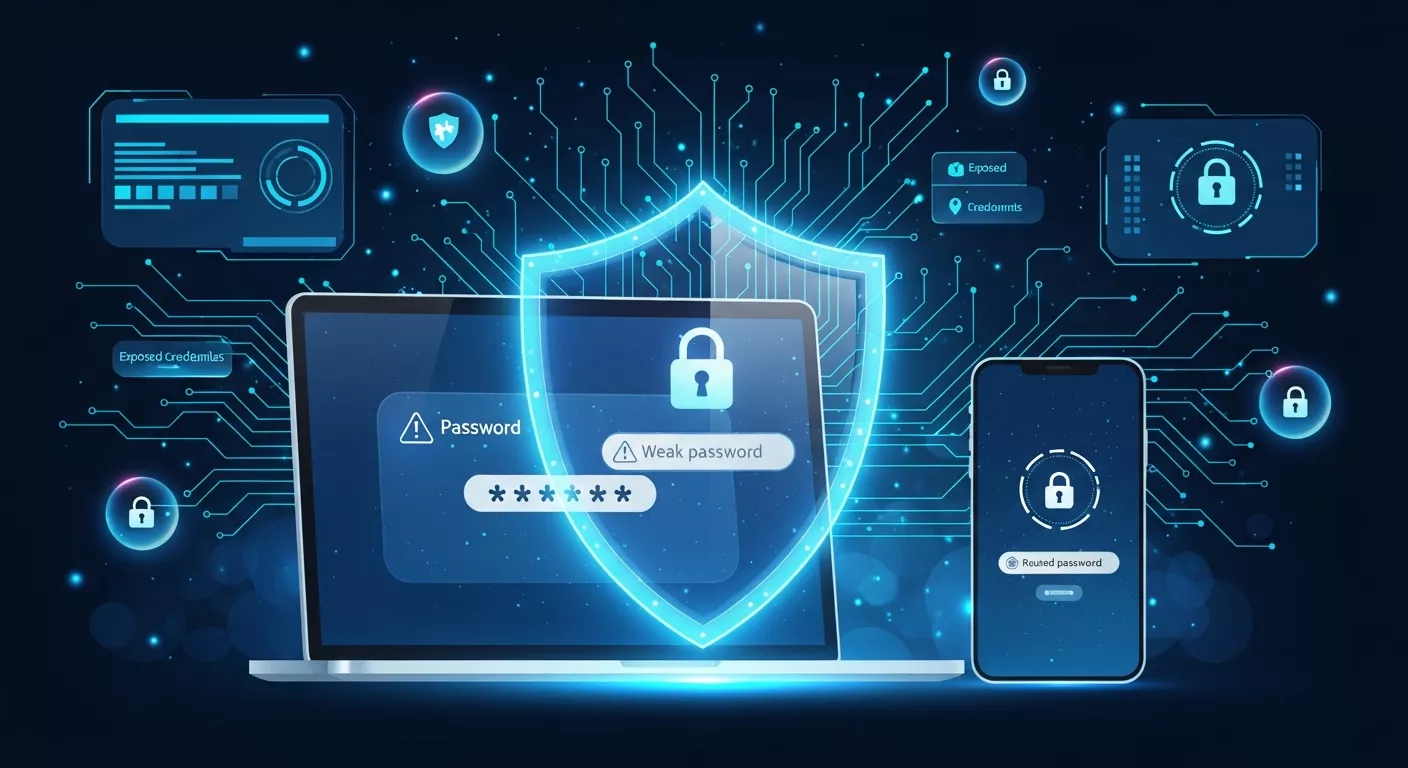
In the year 2026, password protection has gone from a simple best-practice topic to a necessary defense layer against all kinds of cyber-attacks, particularly those that are AI-powered, involve zero-day exploitation and are carried out through automated credential harvesting. The attackers have entered a new era thanks to the machine-learning-based cracking tools, which have greatly improved their ability to break weak passwords by a factor of 100 compared to a few years ago. It is, thus, the right time to let go of old habits, outdated password strategies, and predictable behaviors that were once sufficient to secure digital accounts.
The guide presents the ten most frequent password blunders still made by the users in 2026, their justification for being risky, and the methods to replace them with robust and contemporary security measures.
Reasons Why Password Blunders Are Going To Be a Bigger Problem in 2026
The year 2026’s cybersecurity scene can be summed up in four primary advancements:
AI-Assisted Brute-Force Attacks:
The use of machine learning algorithms by cybercriminals for anticipating user actions has made it extremely easy for them to guess passwords.
Increased Account Interconnectivity:
The incorporation of various IoT devices, cloud services, and social media networks, raising the risk of a whole system being compromised through just one weak password.
Massive Data Breaches:
A staggering number of credentials are being leaked on the internet every year making reused or easily guessed passwords very insecure.
Passwordless Adoption (but incomplete):
The use of passkeys and biometrics is on the rise, but passwords are still the common method thus, poor password practices remain a threat.
The awareness of such new hazards is the reason why it is necessary to avoid the following 10 mistakes more than ever.
1. Using Common or Predictable Passwords
In 2026, the most common passwords are still “123456,” “password,” and “qwerty.” Attackers start with these during automated credential stuffing because millions still rely on simple patterns.
Why it’s dangerous
- AI cracking tools instantly recognize top common passwords.
- Password lists from previous breaches are publicly available.
- Predictable keyboard patterns are extremely easy to guess.
Most Common Passwords
The passwords that are most frequently used across various platforms and services are as follows:
- Password
- 123456
- 123456789
- 12345678
- 12345
- 1234567
- qwerty
- abc123
- 111111
- 123123
What to do instead
Use long, randomized passwords created by a generator not patterns or personal logic.
2. Reusing the Same Password Across Different Accounts
The practice of credential recycling is still the quickest method for hackers to access various accounts using a single compromised password.
Why it’s dangerous
- If one website gets breached, attackers try that same password everywhere.
- Banking, email, social media, and business accounts can all be compromised right away.
- In 2026, reused passwords will be the cause of 70% of all successful hacks.
What are the alternatives?
- Use a unique password for every platform.
- Password managers automate this with zero effort.
- Use passphrase password.
3. How Creating Short Passwords or Using Minimal Complexity
Length now matters more than complexity. In 2026, 8-character passwords can be cracked in seconds using GPU clusters.
Why it’s dangerous
- Short passwords cannot resist brute-force attacks.
- Attackers use AI to reduce complexity requirements.
- Many platforms still allow short passwords, increasing risk.
Minimum recommended length (2026 standard)
- 16 characters for personal accounts
- 20+ characters for business or financial accounts
What to do instead
4. Using Personal Information in Passwords
Birthdates, pet names, hometowns, children’s names, and even favorite teams are some of the easiest pieces of data to guess especially with social media oversharing.
Why it’s dangerous
- Attackers scrape social media to build personal profiles.
- AI tools automatically generate password guesses based on user data.
- Dictionary attacks easily detect meaningful word patterns.
What to do instead
- Avoid anything tied to your personal identity.
- Use meaningless combinations, not real-world associations.
5. Not Enabling MFA When Available
Multi-Factor Authentication (MFA) has become a baseline requirement in 2026, yet millions still ignore it.
Why it’s dangerous
- Password-only accounts are highly vulnerable.
- Malware can steal passwords, but MFA blocks the login attempt.
- SMS codes can be hacked, but they still provide an extra layer.
Stronger MFA options
- Authenticator apps
- Hardware keys (FIDO2)
- Biometric authentication
- Always enable MFA even on non-sensitive accounts.
6. Why Saving Passwords Insecurely (Notes App, Browser, Screenshots)
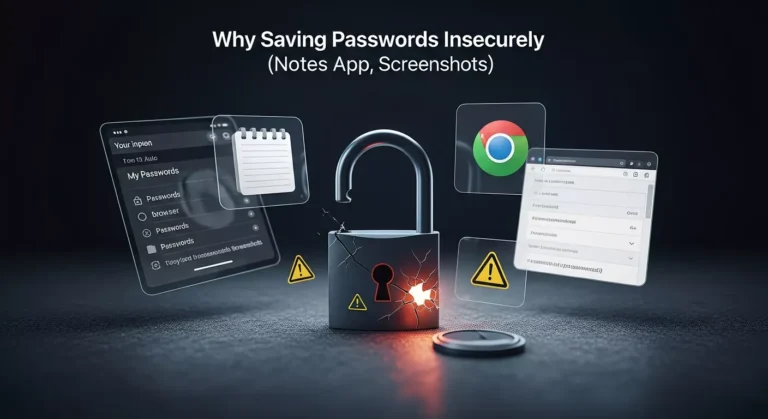
There are still a variety of ways that people keep their passwords insecure and one of the reasons why they are sometimes easily compromised is that the device where the passwords are stored gets stolen or infected. Create a password without storing data make it more secure and avoid cyber issue.
Why it’s dangerous
- Notes apps are not encrypted by default.
- Browser password managers can be compromised if your device is hacked.
- Screenshots stored in photo galleries can be accessed through cloud breaches.
What to do instead
Use a real password manager that stores passwords in encrypted vaults with zero-knowledge architecture.
7. Ignoring Password Updates After a Breach
Millions of users never change their passwords after a breach even when notified.
Why it’s dangerous
- Leaked credentials have been circulating on dark-web forums for years.
- Attackers use automated bots to test stolen credentials relentlessly.
- Old credentials can suddenly become active targets again.
What to do instead
- Check your email and passwords regularly on breach monitoring tools.
- Change your password immediately if any account is compromised.
8. Why to Use Predictable Modifications (e.g., “Password2025!” → “Password2026!”)
Most people update passwords by adding new digits or symbols. Attackers know this pattern and target it.
Why it’s dangerous
- Machine learning models detect predictable rotations.
- Attackers assume users only make small changes.
- “Password + year” patterns are the first variations tested.
What to do instead
Replace the entire password with a new, unrelated passphrase or a random string.
9. Forgetting About IoT and Smart Device Passwords
IoT expansion in 2026 means more devices with weak default passwords:
- Cameras
- Routers
- Smart TVs
- Doorbells
- Printers
- Home assistants
Why it’s dangerous
- Many IoT passwords remain unchanged after installation.
- Devices connect to your home network, creating entry points.
- Attackers often target routers first, then move laterally.
What to do instead
- Change all device defaults immediately.
- Use long, unique passwords for each device.
- Update firmware regularly.
10. Believing a “Strong Password” Is Enough Forever
Password strategies that were safe five years ago are outdated in 2026.
Why it’s dangerous
- Technology evolves; attackers adapt faster.
- Static passwords cannot resist AI-based cracking forever.
- Passwordless authentication is approaching mainstream adoption.
What to do instead
- Review passwords annually.
- Use MFA everywhere.
- Transition to passkeys and biometrics when possible.
2026 Password Security Checklist (Quick Summary)
A strong personal security strategy in 2026 should include:
✔️ Use random, long passwords
✔️ Avoid reusing credentials
✔️ Store them in a password manager
✔️ Enable MFA on all accounts
✔️ Avoid personal or meaningful info
✔️ Change credentials after any breach
✔️ Update IoT and router passwords
✔️ Consider passkeys where available
That allows you a dramatically improved chance at evading potential cyberattacks, all of which were AI-powered.
Frequently Asked Questions
At least 16 characters, and 20+ for sensitive accounts.
Yes, reputable managers use strong encryption and zero-knowledge architecture.
Reusing the same password across multiple services.
Passkeys are growing fast but passwords are still widely used, making mistakes dangerous.
Only when there’s a breach or exposure not on a fixed schedule.
Protect your online accounts with strong, random passwords. It’s 100% free, and we never save or share your data.




